
tese.io Lite app
Help pages for tese.io Lite, the tese.io mobile app for iPhone and Android.
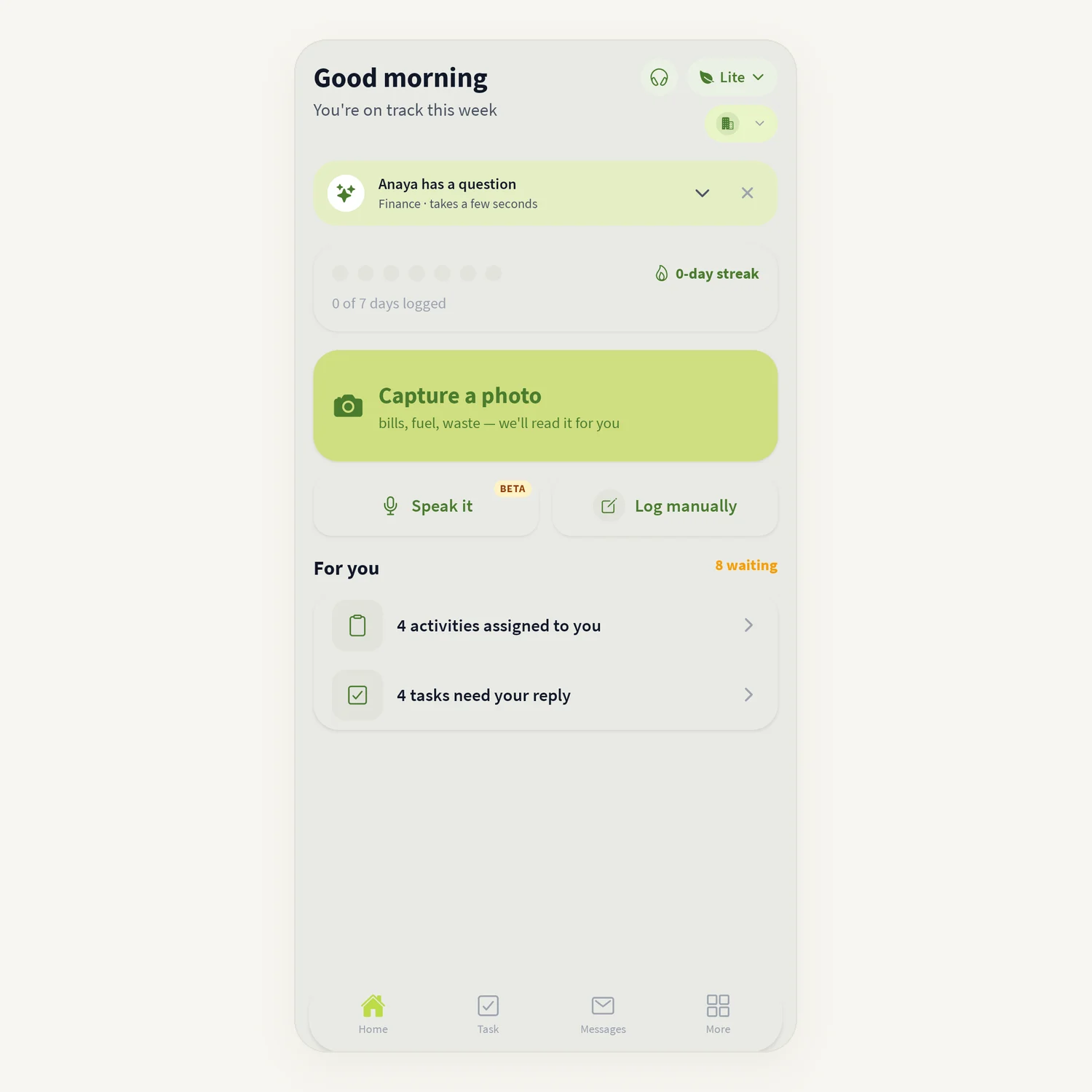
tese.io Lite is the tese.io app for field staff, facility teams, data contributors and approvers. Use it to log sustainability data, scan bills and receipts, handle tasks and approvals, and talk to your team. These pages explain each part of the app.
Getting started
Install and sign in – install the app, sign in, reset your password and sign out.
App modes – Lite, Orbit, Marketplace and Ops, and how to switch.
Home and getting around – the Home screen, bottom bar and More list.
Collecting data
Logging an activity – enter readings one question at a time, with proof and review.
Activity history and bulk import – see what was logged, explain missed periods, import a spreadsheet.
Framework questions and metric entry – answer your reporting framework questions.
Scanning bills and receipts – let the app read figures from a photo.
Working offline – what works without signal and how queued scans are sent.
Working with others
Tasks and approvals – your tasks, and approving or rejecting submissions.
Messages and calls – chat with colleagues and make calls.
Notifications on your phone – what you are notified about and how to fix missing notifications.
Support chat – get help from the support assistant and the tese.io team.
Anaya AI in the app – ask your ESG data assistant by text or voice.
Your organisation
Reports, submissions and files – saved reports, everything you have sent, and your files.
Facilities and team – choose your site, add facilities, invite people.
Climate and nature – climate risk and habitat analysis for your sites.
Finance and projects – green finance products and sustainability projects.
Other modes
Orbit basics – the tese.io professional community: posts, people and jobs.
Ops mode basics – work orders, alerts and the calendar from tese.io Ops.
Settings and help
Profile, language and settings – language, help and sign-out.
Common problems – quick fixes for frequent issues.
Was this article helpful?
Still need help?
The tese.io team reads every message and usually replies within one working day.
Contact support