
Support chat
Get help inside tese.io Lite from the support assistant and, when needed, a person from the tese.io team.
Support chat is where you ask for help with the app. An assistant answers straight away, and a person from the tese.io team can join whenever you ask.
Where to find it
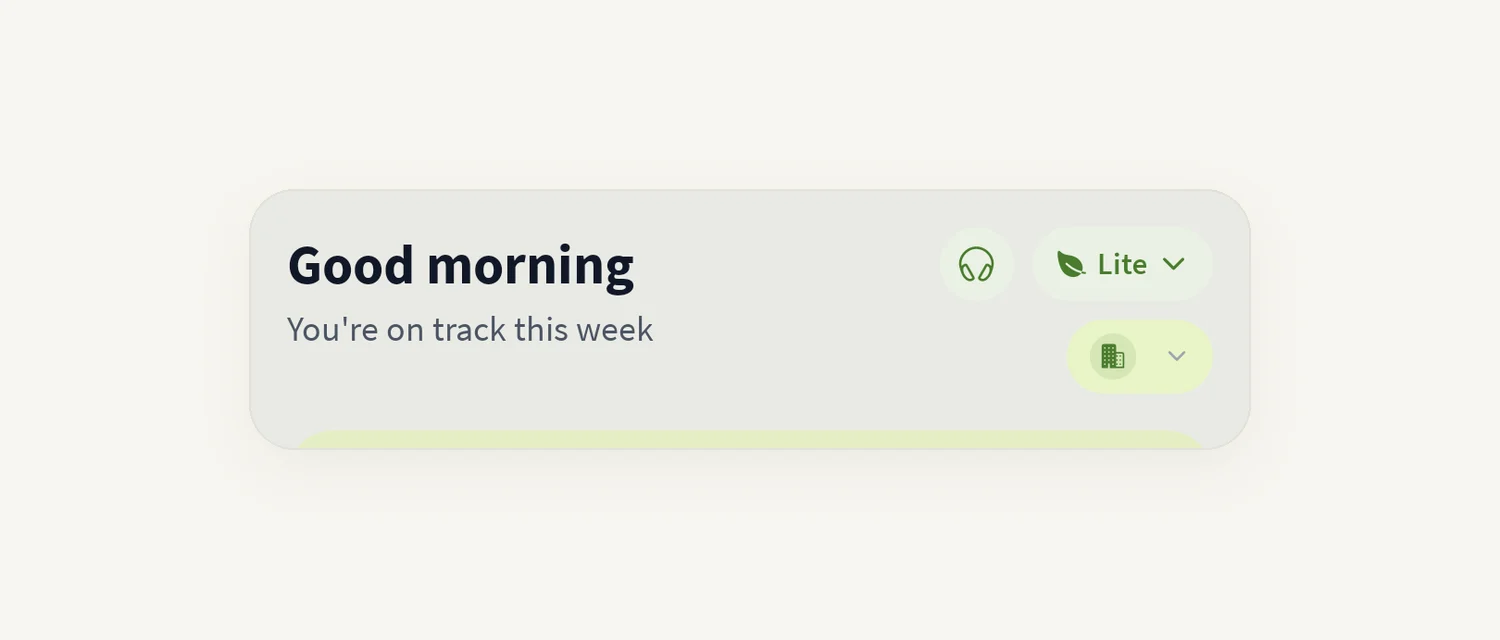
The round headset icon at the top of the screen, just left of the mode switch. It is there in Lite (on Home), Orbit, Marketplace and Ops.
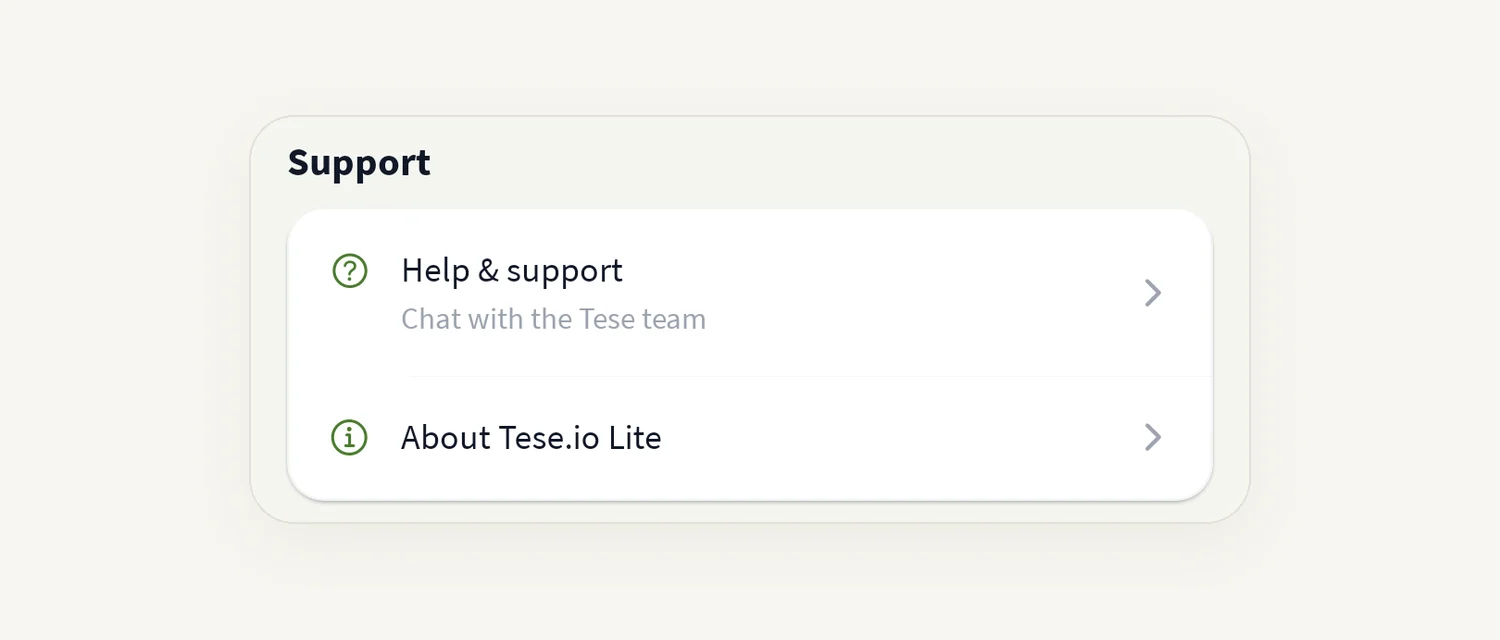
Or More → Profile → Help & support ("Chat with the tese.io team").
A small number on the headset icon or on Help & support shows how many support replies you have not read.
How to get help
Tap the headset icon. The Support screen opens ("tese.io team · powered by KiBee").
Under How can we help?, type your question in Write a message and tap Send.
The assistant replies. Its messages are marked Assistant.
If you need a person, tap Person at the top, or Talk to a person under a reply. You see "We've let the tese.io team know. Someone will join here shortly."
When a team member replies, their messages show their name and "tese.io team", and the header shows tese.io team · live.
How to send a screenshot or file
Tap the attach button (Attach a photo or file).
Choose Photo or PDF or file.
The file uploads and appears in the chat.
Allowed files: photos (JPEG, PNG, WebP or GIF), PDF, or a text or JSON file, up to 8 MB.
Good to know
You need to be signed in. The headset icon is hidden when you are signed out.
If support chat is not set up for your app, Help & support opens an email to [email protected] instead.
When the team replies and you are elsewhere in the app, you see a Support replied banner. Tap Open to read it. If the app is closed, you get a phone notification (if notifications are allowed).
A message that did not send shows "Not sent. Tap to retry."
Common questions
"We couldn't reach support". What now? Check your connection and tap Retry, or email [email protected].
How do I know a person has joined? Their name appears on their messages with "tese.io team", and the header changes to tese.io team · live.
My file won't attach. Check the type and size. Files over 8 MB, empty files and other file types cannot be sent.
Is this the same as Anaya AI? No. Anaya AI helps with your sustainability data and frameworks. Support chat is for help using the app and your account.
Is this the same as Messages? No. Messages is for your colleagues and partners. Support chat goes to the tese.io team.
Was this article helpful?
Still need help?
The tese.io team reads every message and usually replies within one working day.
Contact support