
Anaya AI in the app
Ask Anaya AI about your data, metrics and frameworks by text or by voice in tese.io Lite.
Anaya AI is your ESG data assistant. It can help you collect data, explain frameworks, check compliance gaps, or guide you through a sustainability metric. You can type to it or talk to it.
Where to find it
More → Anaya AI ("chat or talk to your assistant") for text chat.
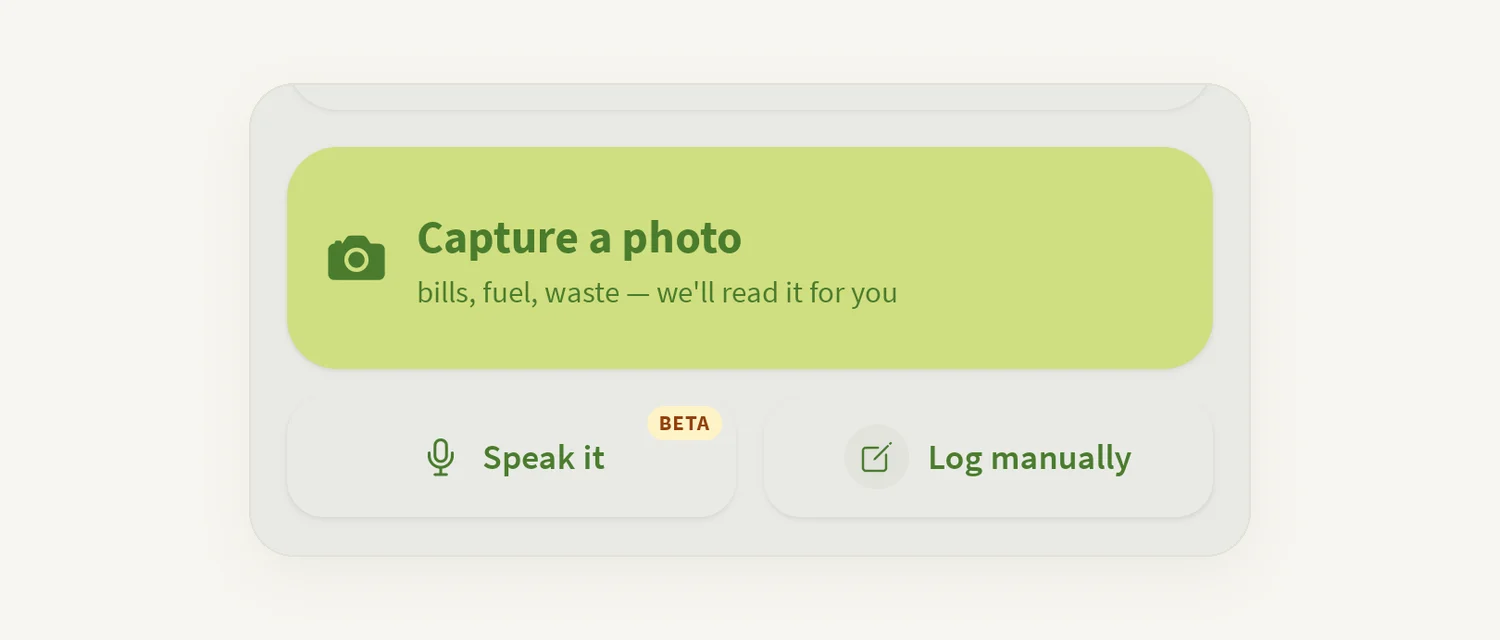
Home → Speak it (marked BETA) for a voice session.
Ask Anaya buttons on activity forms, framework questions and the project wizard open Anaya with that question attached.
On the climate risk screen, Ask Anaya about these risks.
How to chat with Anaya
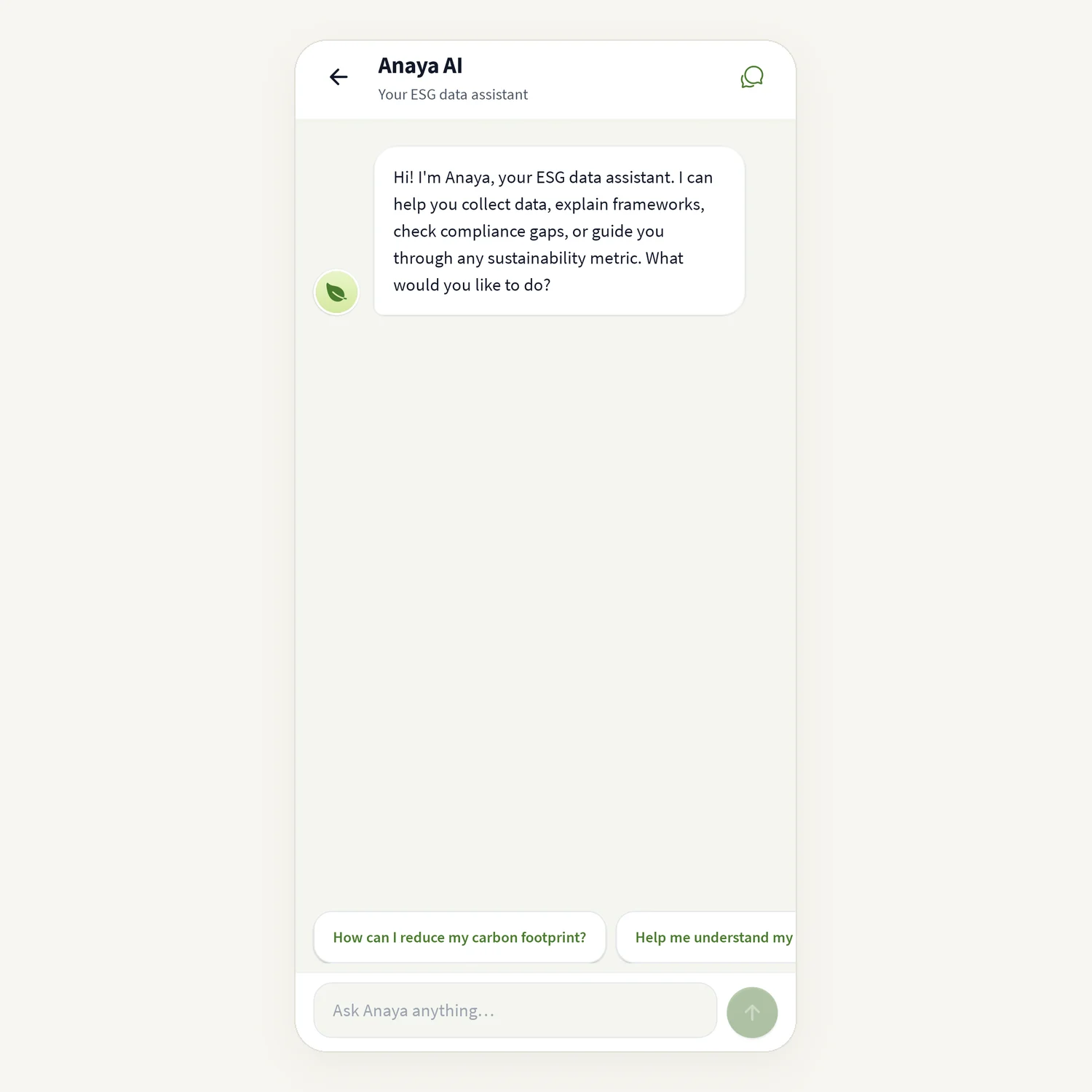
Open More → Anaya AI. Anaya greets you.
Tap a suggested prompt, or type in Ask Anaya anything… and send.
Read the reply and ask follow-up questions.
To start over, tap New conversation.
When you open Anaya from a framework question, the chat shows a Reporting context card with the framework, metric and question. You can add a note, or tap Remove to drop the context.
How to talk to Anaya
On Home, tap Speak it.
Allow microphone access the first time.
Wait for Listening…, then speak. The screen shows Thinking… and Speaking… as Anaya replies.
Use Mute / Unmute as needed, and End to finish.
If you described an entry, Anaya may show Review your entry with the values it caught. Check them, then tap Review & save, or Discard.
Good to know
Anaya needs an internet connection. Voice shows "You're offline — voice needs a connection." when you are offline.
If the voice session cannot start you see "Couldn't start the voice session." Check that the microphone is allowed for tese.io Lite in your phone's Settings, or tap Use text chat instead.
Always check values Anaya fills in before you save them.
On Home, Anaya has a question sometimes asks a short question about your company. Answering helps Anaya know your company better. You can Skip or Hide until tomorrow.
Common questions
Is Anaya the same as Support? No. Anaya helps with your sustainability data. For help with the app or your account, use Support chat (the headset icon).
Anaya said "I couldn't process that." Rephrase the question, or make it shorter and more specific.
I see "Connection error. Try again." Check your connection and send the message again.
Voice says it needs the full app build. Voice does not work in some test versions of the app. Use text chat instead, or install the app from the store.
Was this article helpful?
Still need help?
The tese.io team reads every message and usually replies within one working day.
Contact support